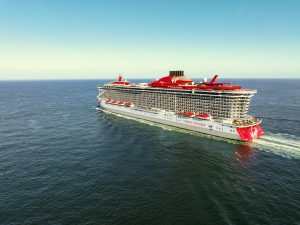
Booking a Virgin Voyages cruise is straightforward once you understand the system — but there are more decisions to make than on a traditional cruise line, because Virgin Voyages gives you real choices that affect your flexibility, your dining access, and the perks you receive onboard. This guide walks you through every step, from choosing your sailing to completing your booking and preparing for embarkation day.
Step 1: Choose Your Ship, Itinerary, and Dates
Start at virginvoyages.com or work directly with a certified First Mate. Virgin Voyages currently operates four ships — Scarlet Lady, Valiant Lady, Resilient Lady, and Brilliant Lady — across Caribbean, Mediterranean, Alaska, and special itinerary sailings. Use the voyage planner to filter by departure port (Miami, San Juan, Barcelona, Athens, Los Angeles, Seattle, New York), voyage length, and destination region. Have two or three sailing options in mind before you start the booking process.
Step 2: Choose Your Cabin Category
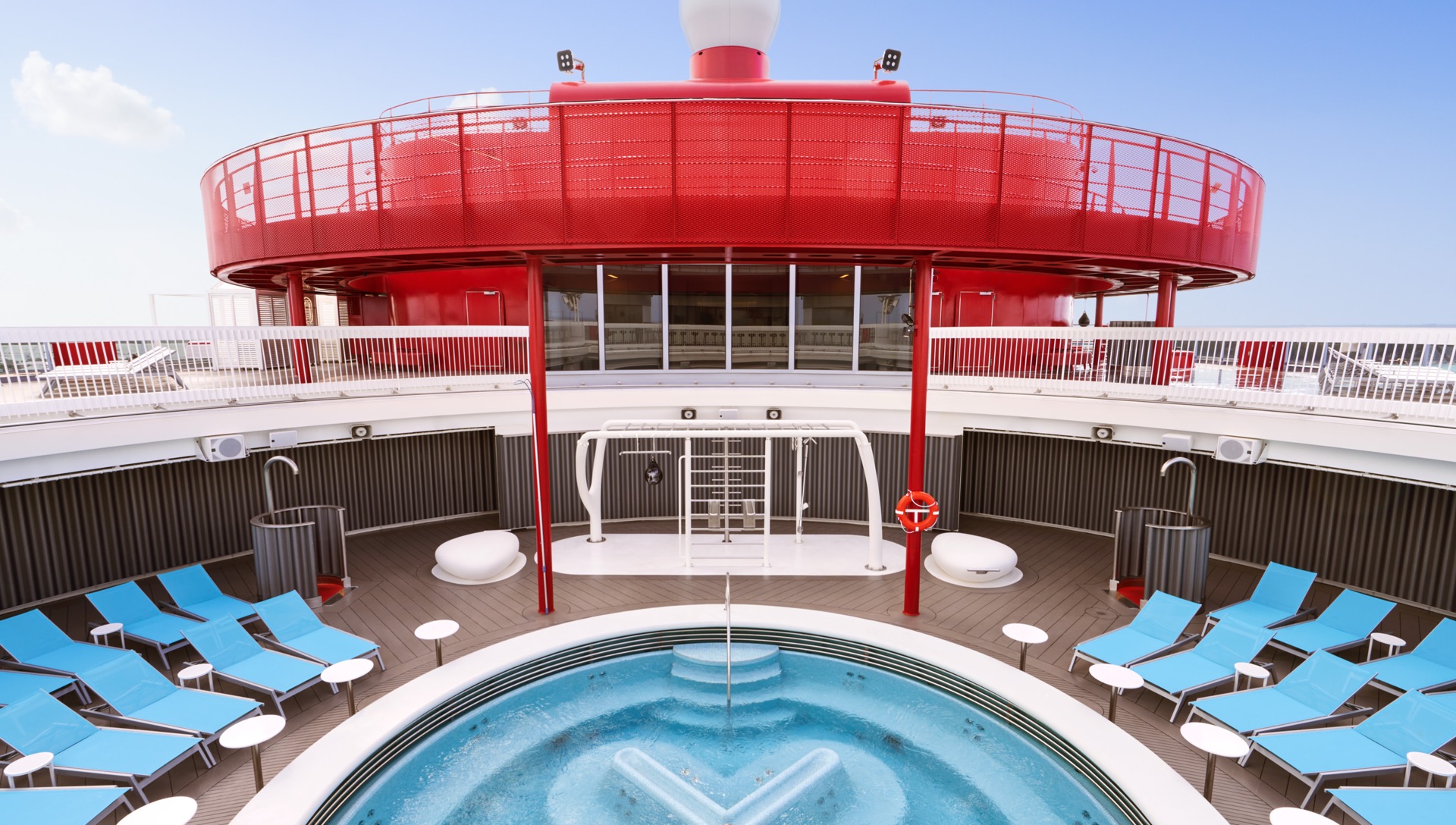
Virgin Voyages offers five cabin categories: Insider (windowless), Sea View (window), Sea Terrace (private balcony with hammock), RockStar Quarters (suite), and Mega RockStar Quarters (flagship suite). For most first-time Sailors, the Sea Terrace is the right choice — private balcony, hammock, and the quintessential Virgin Voyages experience at a price that makes sense. If budget is the primary driver, Sea View and Insider deliver the full ship experience at lower entry prices.
Step 3: Choose Your Fare Tier (VoyageFair Choices)
For Sea Terrace and below, all bookings made after October 7, 2025 use the VoyageFair Choices system: Base, Essential, or Premium. This is the most important booking decision you will make, because it determines your flexibility, your dining reservation window, and what WiFi and Bar Tab you receive.
*Base: You select a cabin type but Virgin Voyages reserves the right to reassign your specific cabin up to 7 days before sailing.
RockStar and Mega RockStar suites are outside the VoyageFair system and include full flexibility plus dining reservations opening 120 days out.
Step 4: Add Gratuities
For bookings made since October 7, 2025, the service gratuity is shown as a separate line item at checkout: $20 USD per Sailor per night if you pre-pay before the voyage begins, or a daily $22 USD per Sailor added to your onboard folio. Pre-paying is worth it: you get the lower rate and one less line on your final onboard bill. Just know that pre-paid gratuities are locked in and non-refundable.
Step 5: Book Through a First Mate
Booking through a certified Virgin Voyages First Mate gets you a real person who knows the ships. Joel and Erin at CruisePlanner.pro are certified First Mates. When you book through them, you get cabin selection guidance, help with Virgin’s current offers, and pre-voyage planning support.
Step 6: Prepare for Your Pre-Voyage Tasks
After booking, your Virgin Voyages voyage to-do list includes: download the Virgin Voyages app, complete online check-in (opens 60 days before sailing), set up your onboard account, link bookings with travel companions, and open your dining reservation window when it unlocks (15, 45, or 60 days out depending on your fare tier). We cover all of these in detail in our separate planning guides.
Insider Tips from Joel and Erin
- Book through a First Mate. Joel and Erin are certified First Mates who have sailed Virgin Voyages, know the system inside out, and will check which current Virgin offers apply to your sailing.
- Choose your fare tier based on flexibility needs, not just price. The jump from Base to Essential (for the 45-day dining window) is the single highest-value upgrade in the booking process.
- Book early for the best cabin selection. Specific Sea Terrace sub-types — XL, Central, Forward — sell quickly on popular sailings. Book early and choose your specific cabin at the Essential or Premium fare tier.
Ready to Book?
Joel and Erin are certified First Mates. Let them walk you through the full booking process and make sure you get the most from your Virgin Voyages voyage from the moment you book.